

An IT audit can feel like something to dread. For many small and mid-sized businesses, the real issue isn’t the audit itself. It’s discovering too late that documentation is missing, old user accounts are still active, or backups haven’t been tested.
Preparation makes a big difference, and it starts with understanding where your biggest risks may exist.

According to IBM’s 2024 Cost of a Data Breach Report, the global average cost of a data breach reached $4.88 million, a 10% increase from the previous year. While SMBs may not face losses on that scale, the impact of downtime, recovery costs, and reputational damage can still be significant.
Here are some of the most important areas to review before an IT audit.
1. Know What’s in Your Environment
Start with a complete inventory of your technology. This includes servers, laptops, mobile devices, software applications, cloud platforms, and network equipment.
The goal is to identify potential risks. Look for outdated operating systems, unsupported software, unused applications, and devices that may no longer receive security updates.
It’s also important to document who is using each device and when it was last updated.
2. Review User Access and Security Controls
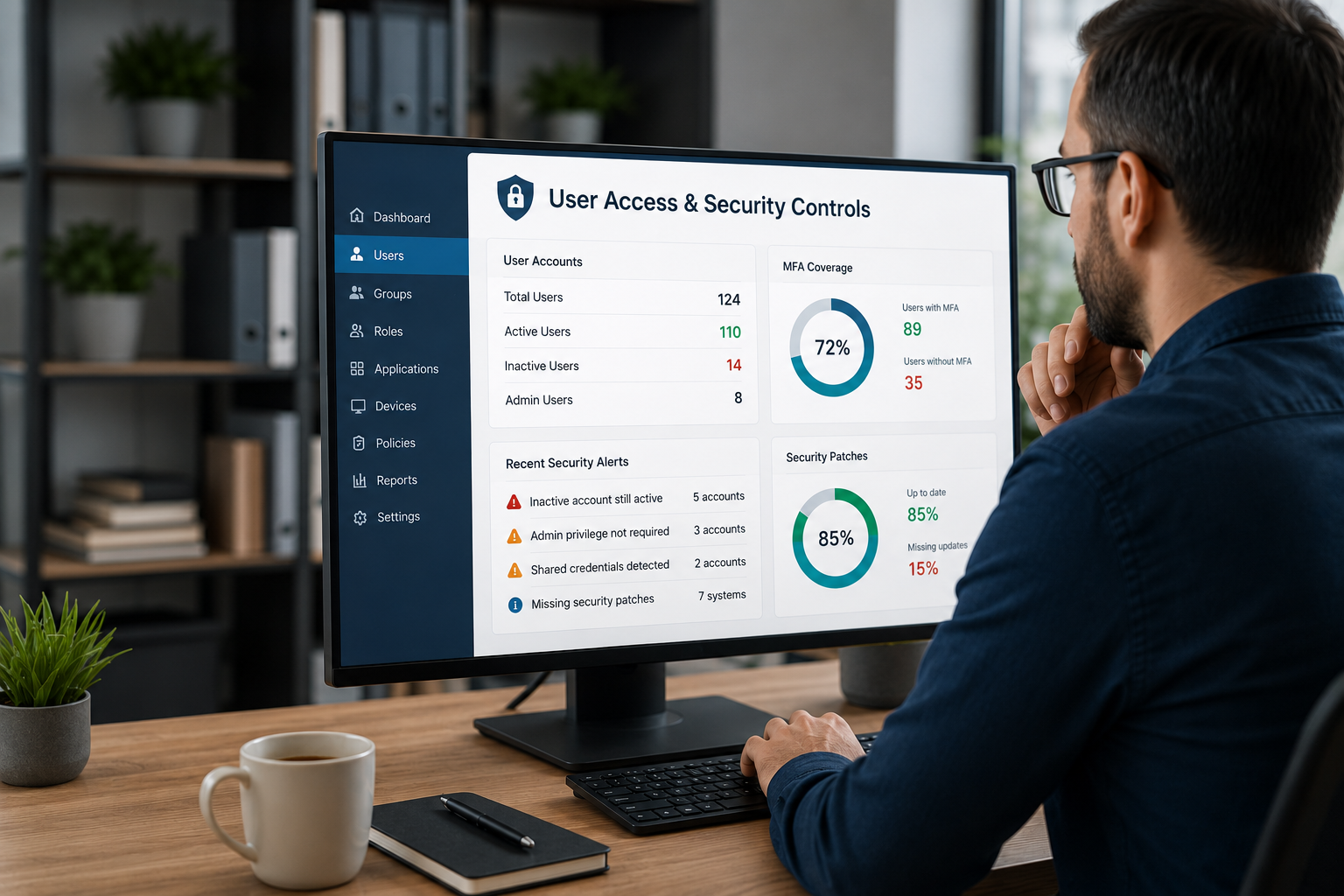
Access permissions tend to grow over time, especially in businesses with employee turnover or changing roles. An audit is the perfect time to review who has access to what.
Check for:
- Former employee accounts that are still active
- Users with unnecessary administrator privileges
- Shared or generic login credentials
- Systems that do not require multi-factor authentication
- Weak password policies
This is also a good opportunity to review patch management practices. Delayed software and firmware updates remain one of the most common security gaps for businesses of all sizes.
3. Confirm Your Backups and Documentation
A backup only matters if it can actually be restored. Review how often backups are performed, where they are stored, and when the last successful restore test took place.
You should also make sure important IT policies are documented and up to date. This may include:
- Incident response procedures
- Acceptable use policies
- Vendor access guidelines
- Change management processes
Auditors want to see that your business has clear procedures in place, not just assumptions about how systems are managed.
Use the Audit as a Roadmap
An IT audit should not be viewed as a one-time event. It’s an opportunity to identify gaps, prioritize improvements, and strengthen your overall security posture.
Working with an experienced IT partner can also provide a valuable outside perspective and help uncover issues that may otherwise go unnoticed.
At Optimized IT, we help businesses prepare for audits with practical guidance and actionable recommendations. If you’d like to schedule an IT assessment or learn more, reach out to our team here.
About OIT
OIT is a leading IT provider and Modern Office Methods company. Services include Managed IT, Managed Cybersecurity, Microsoft Office 365 Services, Cloud Services, IT Consulting and IT Projects.
Leave A Comment
You must be logged in to post a comment.